10 Tips for Choosing A4 Multi Purpose Labels
Choosing the right A4 Multi Purpose Labels seems simple until sheets curl, edges lift, or ink dries unevenly. A label that looks perfect online may fail on a cardboard box, glass jar, or office folder. This guide, “10 Tips for Choosing A4 Multi Purpose Labels,” focuses on those practical details. It considers adhesive strength, sheet size, surface texture, printer compatibility, and storage conditions. Small choices matter.
Mike Fairley, a respected label-industry author and consultant, once said, “Good label performance begins with matching the label to the application, not merely the printer.” That principle remains useful. A laser printer may produce crisp text, while an inkjet printer may need a smoother coating. Heavy adhesive can help on rough packaging, but it may damage painted surfaces. There is no universal winner.
Look closely.
The best A4 Multi Purpose Labels should feed smoothly, align with your template, and remain readable after handling. Check whether the labels resist moisture, heat, friction, or frequent repositioning. Measure the actual sheet margins, not just the advertised dimensions. A few millimetres can shift every address. I have seen users blame their printer when the template was the real problem. That mistake is easy to repeat.
This article also leaves room for reconsideration. Budget labels may perform well for short-term office use, yet disappoint on parcels stored in humid rooms. Premium labels are not automatically better either. Testing one small pack first is wiser than ordering thousands. The following tips help buyers compare materials, adhesives, printing results, and long-term reliability with clearer expectations.
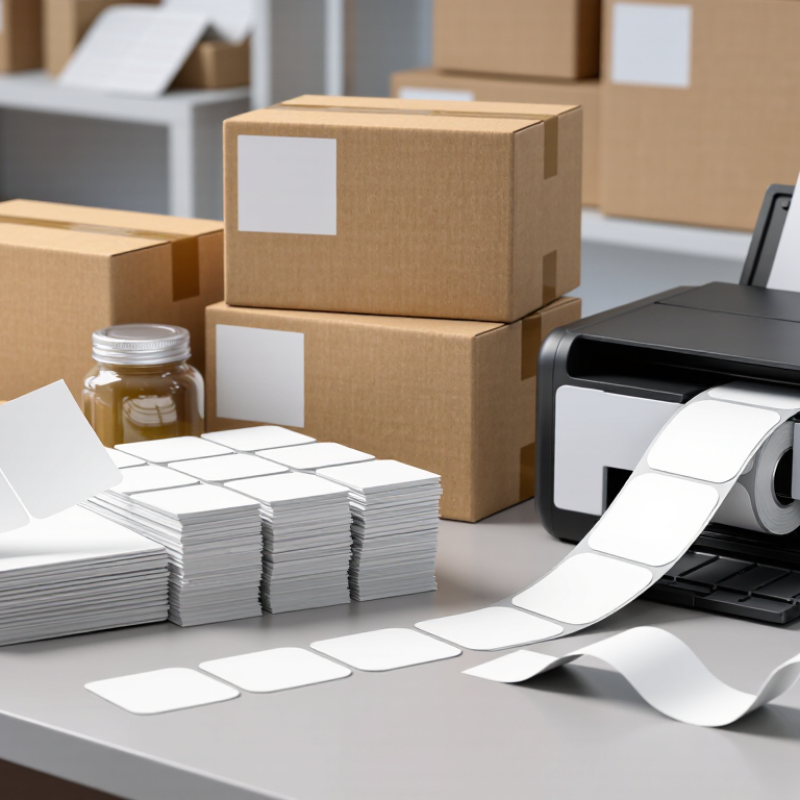
Identify Your Labeling Needs and Intended Applications
Choosing A4 multi-purpose labels starts with a clear question: what must each label do? A shipping label needs strong adhesion and readable text. A folder label may need a cleaner finish and easy removal. Product, storage, cable, and classroom labels each face different handling conditions. Define the surface, label size, quantity, and expected lifespan before comparing packs.
Check the material against the application. Paper labels suit indoor documents, boxes, drawers, and temporary records. Synthetic options handle moisture better, but they may not suit every printer. Confirm compatibility with your inkjet or laser printer. A poorly matched sheet can smear, curl, or jam. Test one sheet before a large print run. Small details matter.
Consider the surface temperature, texture, and cleanliness. Dusty cardboard can weaken adhesion. Glass may need a removable adhesive to avoid stubborn residue. Measure the available space, then choose a layout that leaves safe margins. Labels placed near edges can peel during handling. I once underestimated corner lift on frequently moved boxes; the printed information remained clear, but the label failed. That mistake changed how I test labels.
Think about handwriting, scanning, and future updates. A matte surface usually improves writing and reduces glare under office lighting. Leave enough blank space for dates or reference codes. If several people apply labels, simple alignment guides can reduce waste. The best choice is not always the thickest or strongest sheet. It is the one that fits the task, printer, surface, and working habits.
Check Label Size, Shape, and Sheet Compatibility
Choosing A4 Multi Purpose Labels starts with measuring the label, not trusting its picture. An A4 sheet measures 210 by 297 millimetres. Check each label’s width, height, margin, and gap. A small error can shift every line of text. Use a ruler or digital caliper for better accuracy. Record the measurements before selecting a template.
Shape also affects printing and handling. Rectangular labels suit folders, cartons, and address panels. Rounded corners reduce edge lifting during storage. Circular labels need careful spacing, especially near the sheet edges. Count the labels across and down the page. Then compare their layout with your printer settings. A label may fit the sheet but still fail to feed smoothly.
Compatibility needs a practical test. Confirm that the adhesive sheet supports your printer type and paper weight. Check whether the printable surface accepts ink without smearing. Print a plain-paper draft first. Place it behind the label sheet and hold both against a window. This reveals alignment problems quickly. I once ignored a two-millimetre margin difference and wasted several sheets. That mistake was avoidable. Also inspect the template orientation, scaling, and border settings. Disable “fit to page” when exact dimensions matter. Test one complete sheet before larger production. Even reliable specifications cannot replace a physical trial.
Choose the Right Material, Adhesive, and Finish
10 Tips for Choosing A4 Multi Purpose Labels
Choose the material according to the job. Paper labels suit shipping boxes, folders, jars, and everyday office filing. They are easy to write on and usually economical. For damp areas, choose a synthetic material that resists moisture and tearing. I once used paper labels in a cold storage room. The corners lifted within days. That mistake was avoidable.
Check printer compatibility before buying a full pack. Some sheets work with laser printers, while others are designed for inkjet printing. Heat from a laser printer can weaken unsuitable adhesive or distort thin material. Test one sheet first. Leave clear space around the label edges. This reduces jams and keeps adhesive away from internal rollers. Also confirm the A4 dimensions and label spacing.
Adhesive choice affects both performance and removal. Permanent adhesive works well for cartons, equipment records, and long-term identification. Removable adhesive fits temporary signs, sample containers, and changing office files. However, “removable” does not guarantee a clean surface after months. Test it on the actual material, especially painted metal or recycled cardboard. Finish changes readability too. Matte surfaces reduce glare and accept handwriting better. Gloss finishes create sharper, brighter graphics but may reflect overhead lights. Store unused sheets flat and dry. Small details matter.
